Check eSIM Compatibility
Note: eSIM support depends on your region/variant (China & HK variants often disable eSIM),
carrier activation rules, unlock status, and local regulations. —
and look for an EID on screen.
Device compatibility is the buyer's responsibility to verify before purchasing. eSIMs cannot be refunded once purchased unless a technical fault on our end prevents service. Read our Terms & Conditions (Section 4 & 5) →
Device compatibility is the buyer's responsibility to verify before purchasing. eSIMs cannot be refunded once purchased unless a technical fault on our end prevents service. Read our Terms & Conditions (Section 4 & 5) →
Method 1
Search your phone model
Type a keyword below or tap a quick filter.
iPhone
Samsung
Pixel
Fold
Flip
Razr
Sony
Xiaomi
OnePlus
Results
Start typing or pick a filter.
Method 2
Check EID via dialer
Open your phone dialer, dial *#06#, then look for an EID entry (shown with a barcode). If it appears, your phone supports eSIM.
*#06#
If EID appears — eSIM is supported.
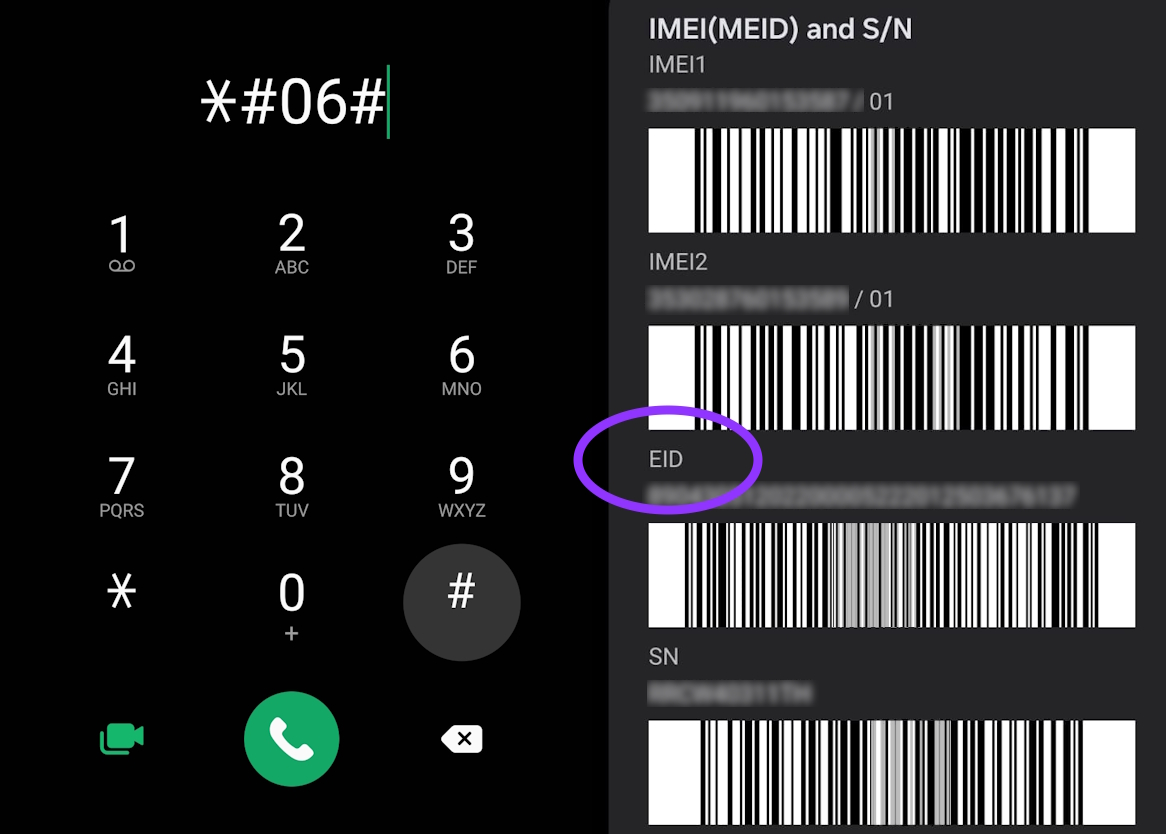
Tap image to enlarge
Some phones hide this menu for security. If no EID appears, check Settings → SIM Manager / Mobile Network instead.
Method 3
Scan QR code to check eSIM compatibility
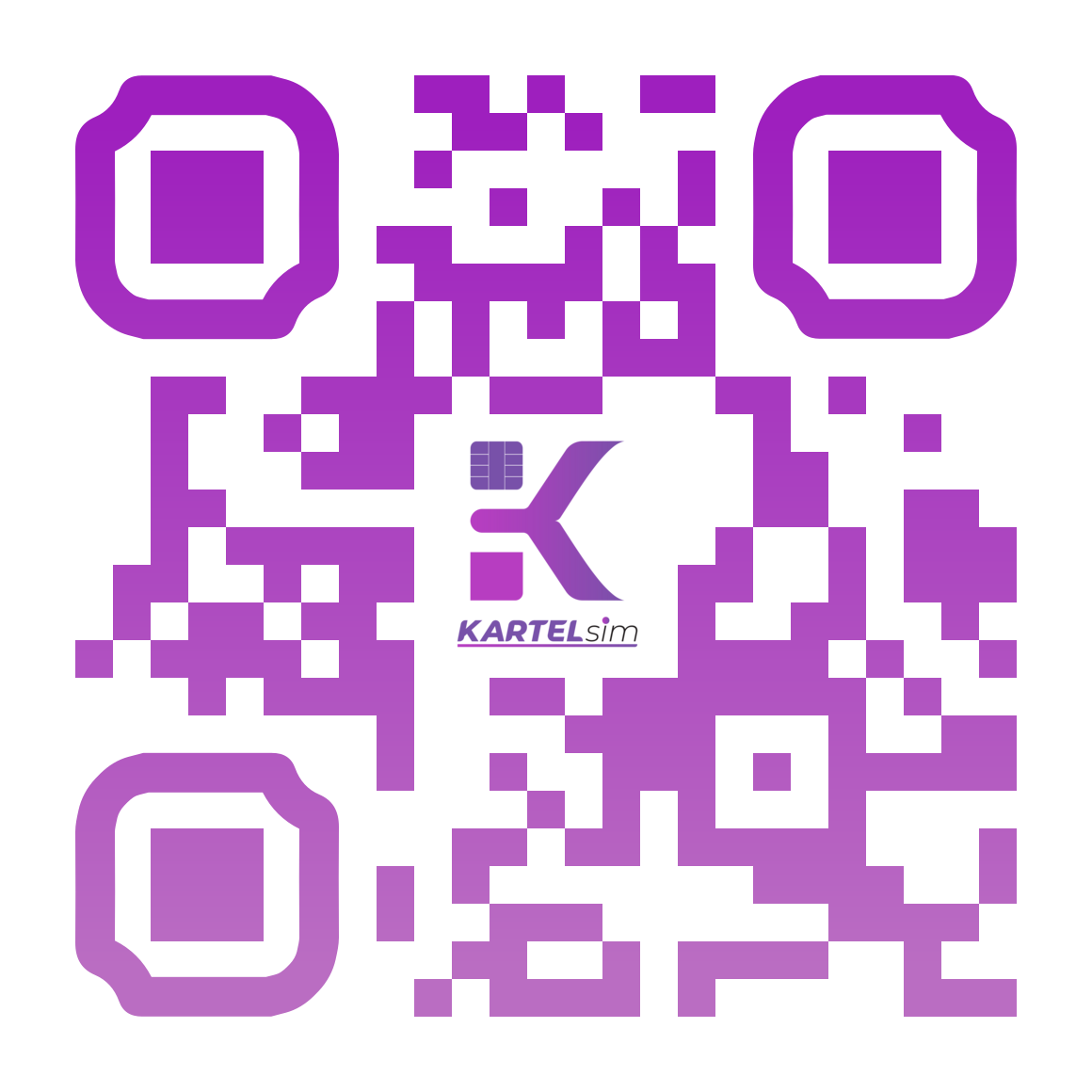
Scan to go to dialer and enter the USSD code *#06#
Not all phones support QR-based eSIM provisioning. Check your device's SIM settings to confirm.
Ready to stay connected on your next trip?
Browse eSIM Plans